
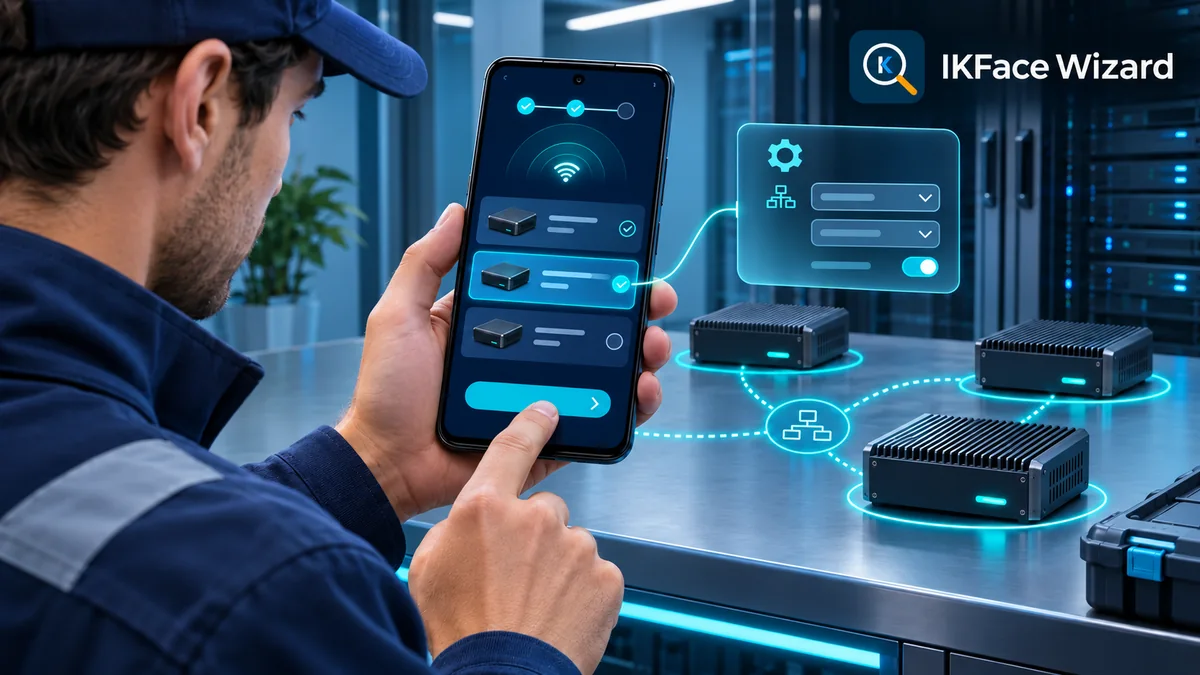
When installing a new device or moving one to another network, finding and changing its address can interrupt the job. IKFace Wizard brings local discovery and network configuration of IKFace devices to an Android app for technicians and installers.
Local discovery
Find devices even on another subnet
With the phone connected to the local network, the app finds nearby IKFace devices even when they use an address on another subnet, such as a new device with its factory IP.
Each device entry shows its identifier, model, IP address, subnet mask, gateway and whether it uses static IP or DHCP. Installers who already know the address can also connect directly by IP.
Protected changes
Set the network and confirm before losing access
IKFace Wizard lets installers select DHCP or enter a static IP with subnet mask, gateway and DNS. Before applying the change, it checks whether the new address is already in use.
The installer then confirms the change in the app. If it is not confirmed within 60 seconds, the device automatically restores its previous network settings. This safeguard helps prevent an addressing mistake from leaving the device unreachable.
For installers
Authorized administration without a cloud account
Only an IKFace SA administrator can change a device network. The device verifies credentials, limits failed attempts and records changes. For direct IP connections, the app remembers the device certificate and warns if it changes.
The tool works on the local network without Internet access or a cloud account. It supports Spanish, English, Italian and Portuguese. It requires Android 7.0 or later and an IKFace device version that includes the IKFace Wizard installation service.
Discover the device, adjust its network settings and confirm the change from your phone.
Set up IKFace from your phone.
Get IKFace Wizard on Google Play and check your device compatibility before using it on an installation.