
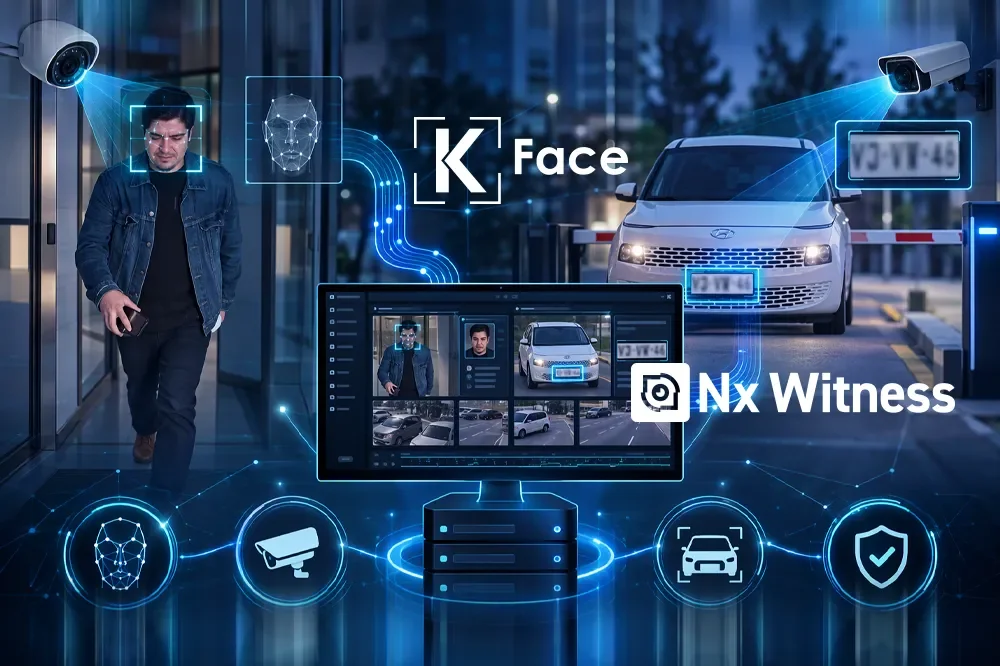
An alert is more useful when an operator can verify what happened. The integration developed by INFOKRAUSE connects IKFace facial recognition and license plate recognition (LPR) events with the search, monitoring and video playback tools of Nx Witness. Analysis and investigation meet in the same operator client.
Two ways to investigate
Analytics objects and the IKFace - Eventos view
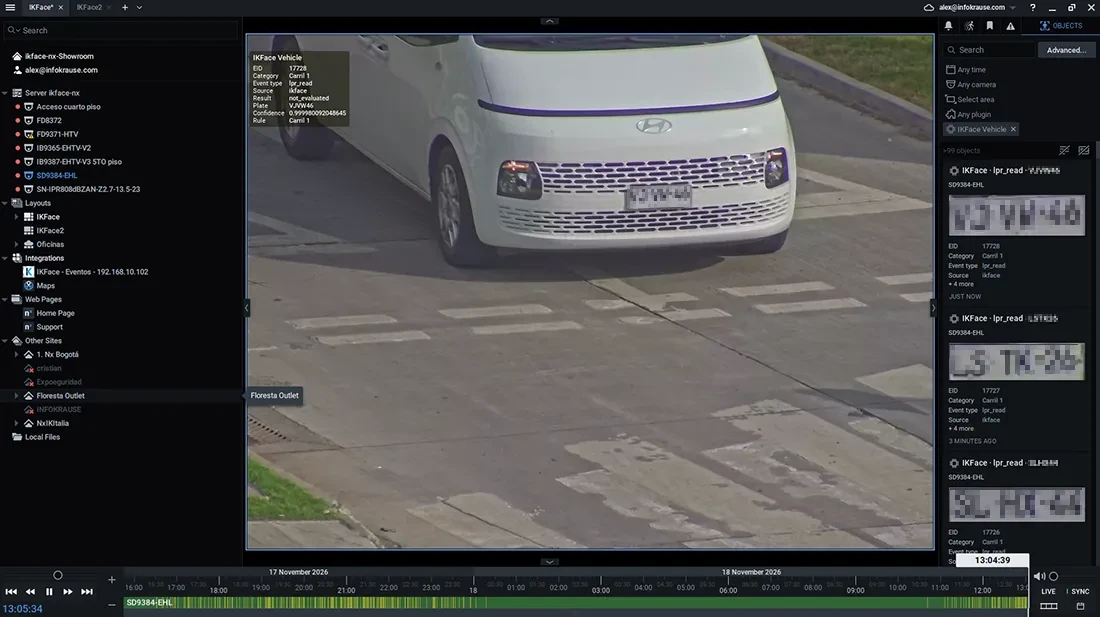
IKFace can send enabled events, their attributes and an evidence image when available to Nx Witness. Operators search them as analytics objects, including types such as IKFace Face and IKFace Vehicle. Depending on the event, the data may include a person or plate, category, rule and available confidence level.
The integrated IKFace - Eventos view appears in the Nx Integrations tree. It lets operators review IKFace events and images, and browse history using filters and date ranges without leaving the Nx client. The two approaches complement each other.
Investigation
From an event to its camera recording
Selecting an event in the integrated view can open the associated camera recording in Nx Witness. Depending on the configured pre-event time, playback starts before detection to show what led up to it and continues afterward.
For example, after a license plate read at a vehicle entrance, the operator can inspect the plate image and open the corresponding video to verify the vehicle passage. The camera must be mapped, a recording must exist for that time, and the user must have playback permission. IKFace uses recordings already available in Nx; it does not transfer a new video file for every event.
Facial recognition
Evidence to verify an identification
Facial events can connect a camera capture to information available in IKFace. Depending on the view and event, operators may see the capture, a reference profile photo where applicable, identification, category, time, camera, result and available match confidence.
The event capture shows what the camera observed; the reference photo belongs to the enrolled profile. Reviewing them alongside the recording helps verify the event without treating a match alone as permission to enter.
License plate recognition
LPR linked to entrance video
An LPR event may include the recognized plate, plate crop, scene image, time, camera, lane or rule, and available confidence. When sending all lane reads is enabled, Nx can also receive consolidated events for plates not previously registered. Vehicle and list alerts retain their own configuration policies.
A provisional reading shown during calibration is not necessarily a consolidated event. Capture quality and each lane’s configuration determine which events and evidence are available.
Architecture
Several IKFace devices, one Nx Witness environment
The integration supports several IKFace devices connected to one Nx system. Each installation keeps its own identity, settings and mapping between IKFace and Nx cameras, while operators review the results in a shared monitoring environment.
Facial recognition and LPR run on the IKFace devices, not the Nx server. Capacity depends on cameras, video streams and enabled analytics. Other event categories, including PPE, security and QR, may be available depending on the project version, modules and configuration.
IKFace generates the event; Nx Witness provides the video and tools to investigate it.
Analytics and video in one workflow.
The integration links the event, visual evidence and recording so operators can review what happened. INFOKRAUSE can confirm the features available for your version and size the solution for your cameras and needs.