
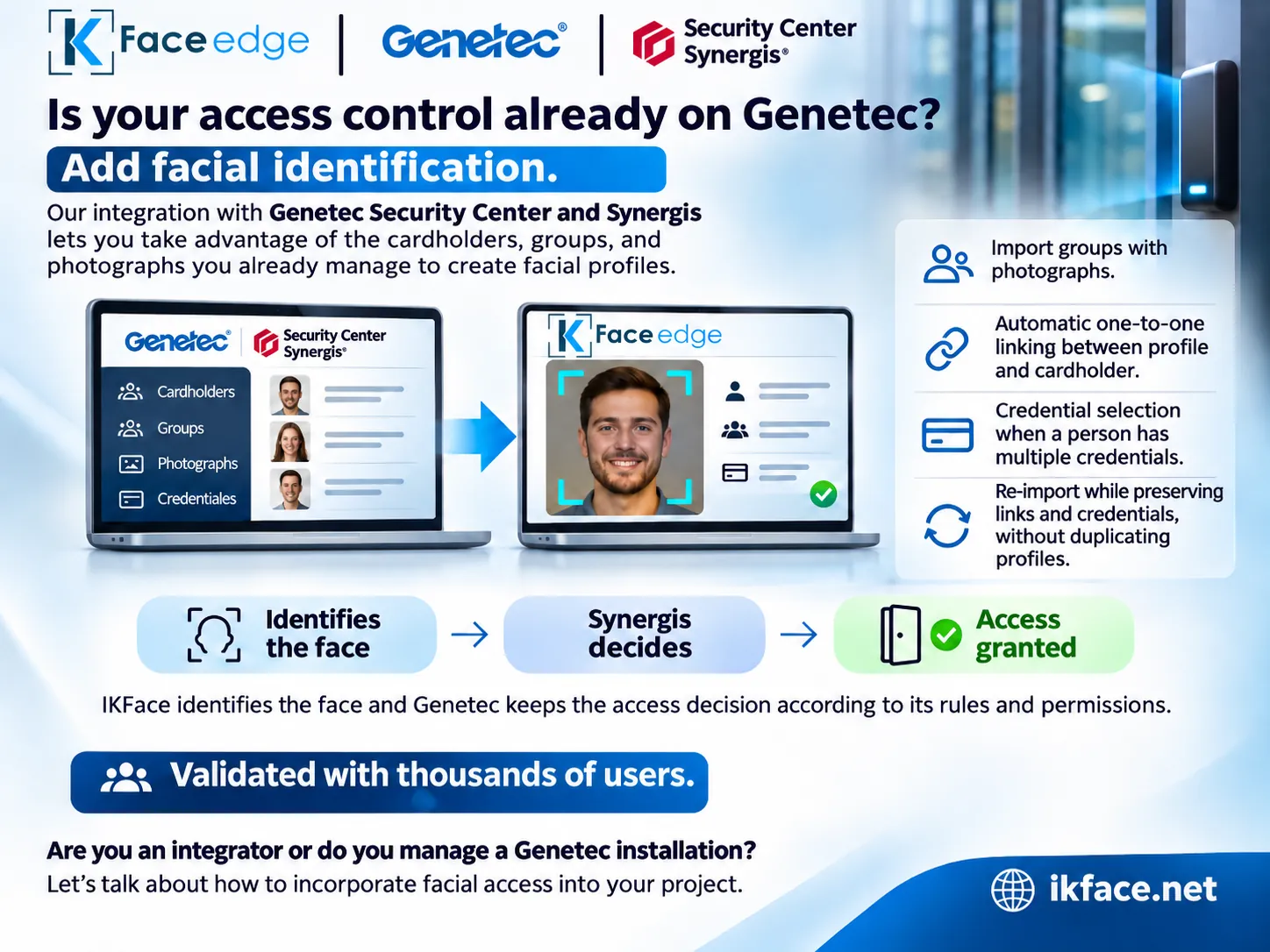
IKFace adds features that simplify the deployment and administration of facial access in installations using Genetec Security Center and Synergis. Organizations can use the people, groups and photos they already manage in Genetec to add facial identification to their access control infrastructure.
Import
From Genetec groups to IKFace facial profiles
In the integration, an operator selects a cardholder group and imports its members and photographs into IKFace. Each person is linked one to one with a facial profile. An existing profile can be reused or a new one created, avoiding duplicates.
Imported profiles can be organized with groups and tags in IKFace. Administrators build on the identity management already performed in Genetec while keeping a clear link between the two platforms.
Synchronization
Reimports retain links and selected credentials
When a cardholder has several credentials, the integration lets the operator choose which one to use. That selection, the profile link and the photographs are retained on subsequent imports.
Imported photos go through IKFace enrollment checks. If a person needs a higher-quality sample, the operator can add one without losing the Genetec link.
Access control
Facial identification in IKFace, access decision in Synergis
IKFace performs facial identification and provides the linked identity or credential to the access control flow. Genetec Synergis retains the final decision according to the rules, schedules and permissions configured in its platform.
Designed for projects with thousands of users, the integration helps administrators and integrators manage large installations.
Import the groups you already manage in Genetec while preserving the link between each cardholder and facial profile.
Add facial access to an existing Genetec installation.
IKFace simplifies initial imports and subsequent reimports while keeping profiles, photos and credentials linked. We can review the scope and sizing of your project.